Synergy of Power Platform and Microsoft Dynamics 365 Business Central
Speed up innovation with Power Platform low-code tools
Microsoft Power Platform is a comprehensive set of tools that enables organizations to automate and grow their business technology environment through low-code solutions to:
create your own AI assistants and agents,
develop applications,
automate workflows,
analyze data,
and create websites.
Get to know Power Platform
Power Platform tools are integrated with the Microsoft Dynamics 365 Business Central ERP system, extending its functional capabilities, supporting work optimization and data flow.
Power BI
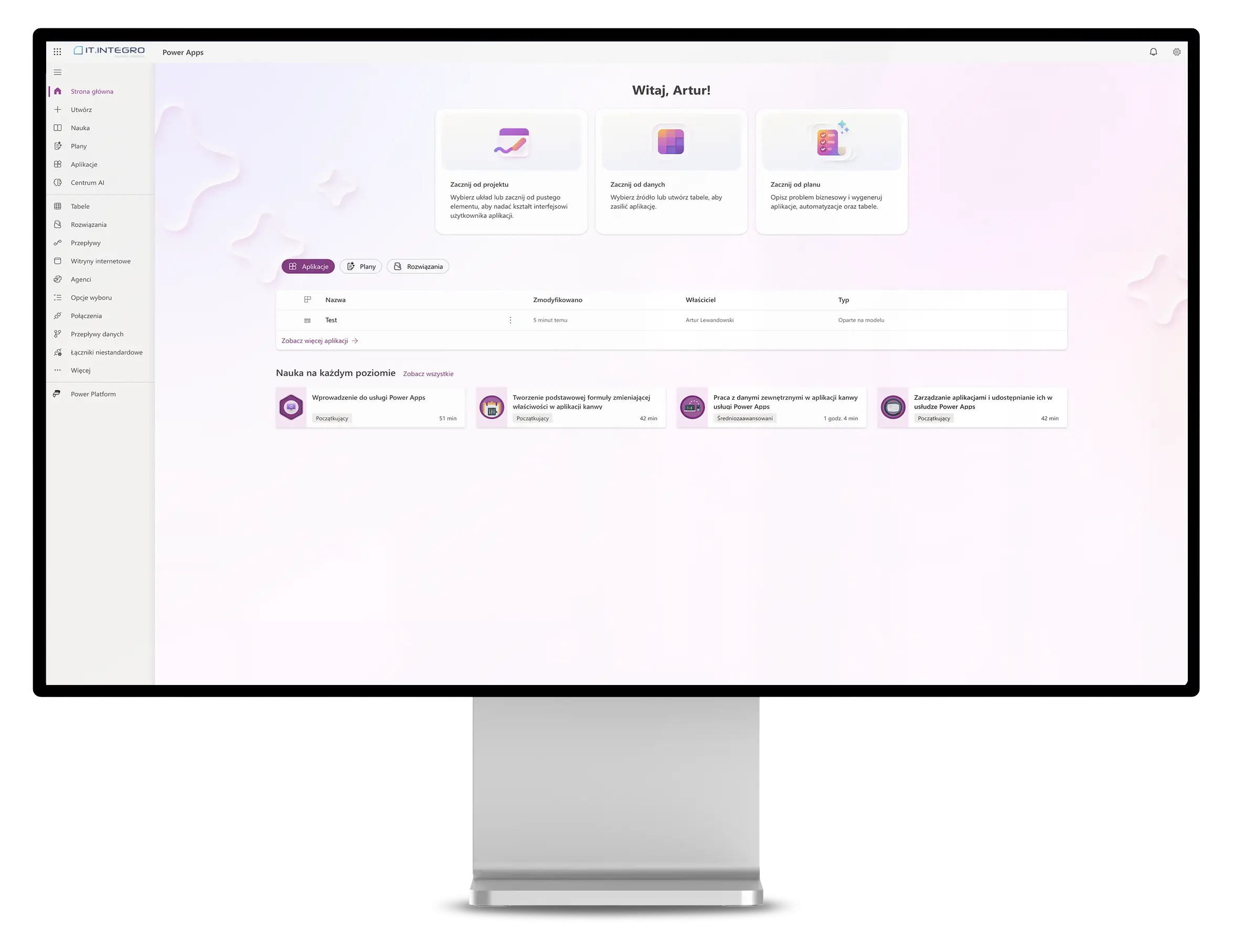
Power Apps
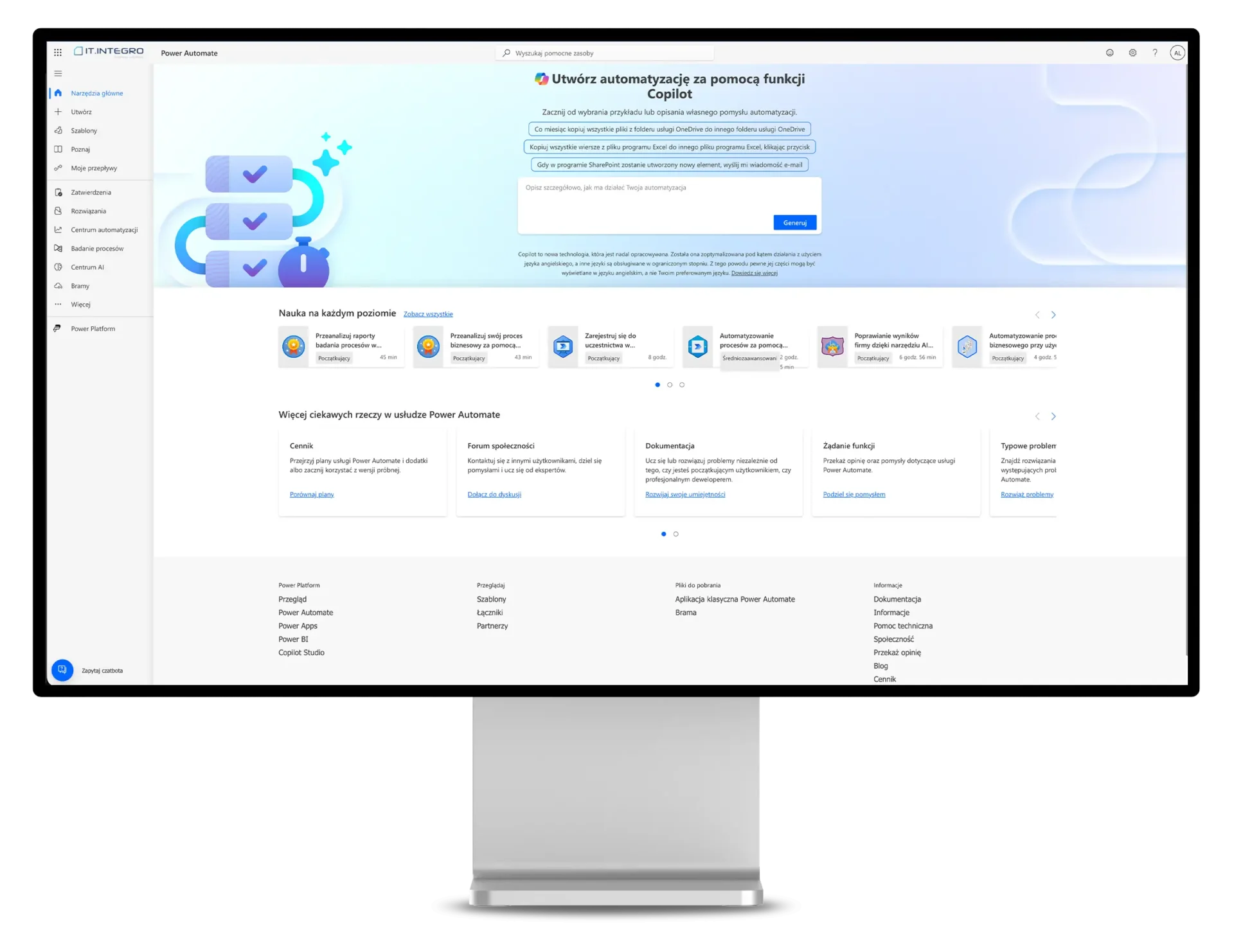
Power Automate
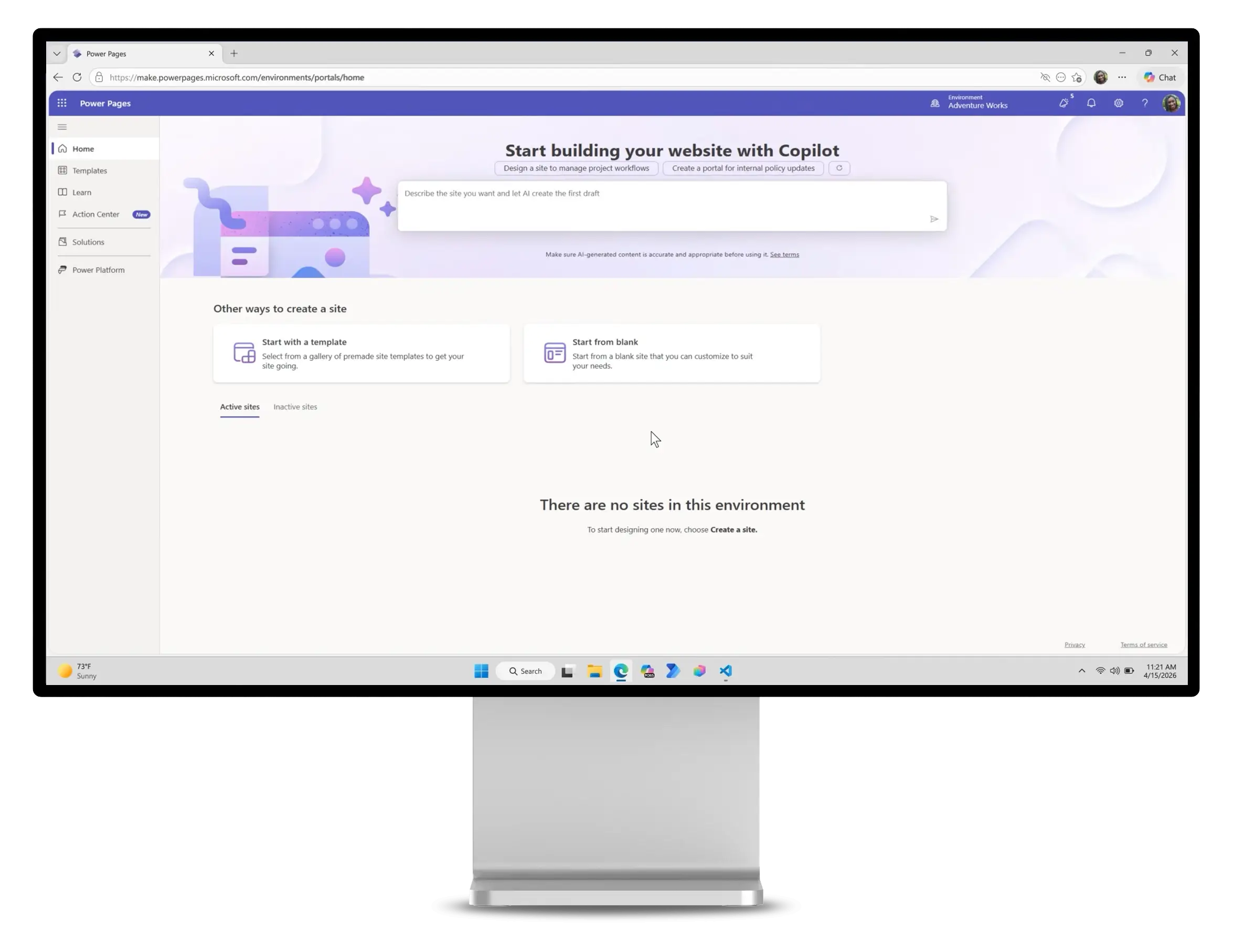
Power Pages
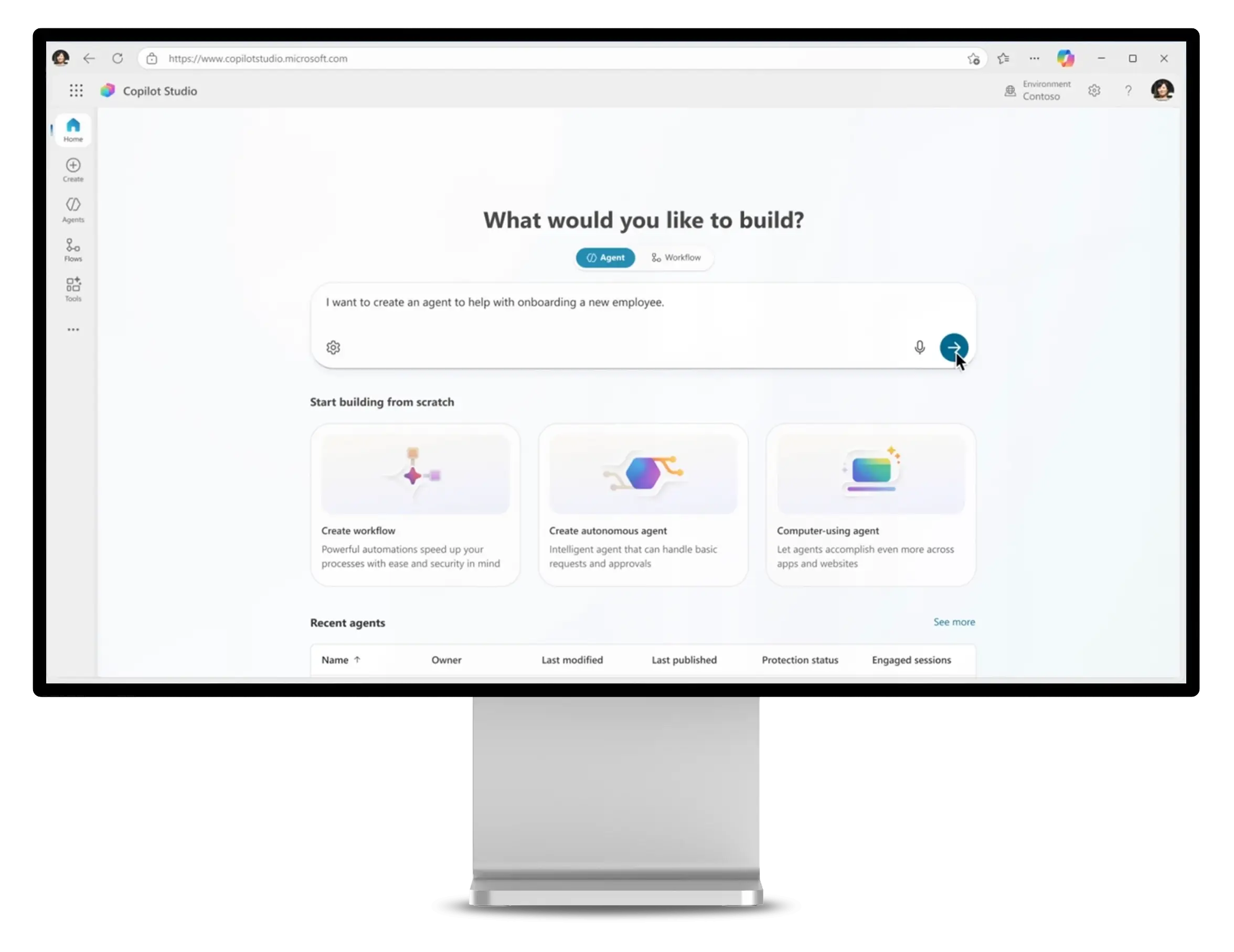
Copilot Studio
Power Platform
Power BI
Visualize data from Microsoft Dynamics 365 Business Central
Power BI is an analytical tool from Microsoft that enables organizations to visualize data, create interactive reports and dashboards. It facilitates the understanding of trends, which supports business decision-making. With the support of AI, integration with Microsoft Copilot, Power BI users can obtain detailed information such as anomalies, trends, and KPI analysis.
Create visualizations and reports quickly and analyze and interpret your data effectively.
Decision-making
Dostęp do aktualnych danych i trendów pomaga w podejmowaniu trafniejszych decyzji biznesowych.
Efficiency
Automating the reporting process saves time and resources.
Accessibility and mobility
Access data and reports from different devices and locations. Users can also anchor Power BI reports directly to Dynamics 365 Business Central.
Data integration
Combining data from different sources such as Dynamics 365 Business Central, for easier analysis.
A faster start with analytics
Ready-made Power BI apps for Business Central help organizations get started with data analytics more quickly and use predefined metrics for selected business areas.
Power Apps
Power Apps
Build apps for Dynamics 365 Business Central without coding
Leverage Power Apps to create custom business apps. With this Power Platform tool, even users without advanced programming skills can design apps that meet the specific needs of their organization. Users can also describe the app they need, and AI will handle its design. With Copilot, you can automate, edit, add features and fine-tune your app.
Power Apps streamlines the integration with other Microsoft services and external data sources and helps you build end-to-end business solutions, including apps that integrate with Dynamics 365 Business Central.
What can your business gain with Power Apps?
Enhanced productivity
Use this tool to quickly create applications and speed up project delivery.
Ease of customization
Users can create apps tailored to their unique business needs.
Data integration
Integrate with existing systems and databases easily.
Enhanced collaboration
Facilitate collaboration between departments and teams.
Flexibility
Available on different platforms, allowing access from different devices.
Power Automate
Power Automate
Automated workflows in Dynamics 365 Business Central
Power Automate is a process automation tool that enables Dynamics 365 Business Central users to create workflows that automate routine tasks.
As it is easily integrated with various apps and services, Power Automate helps automate tasks between apps, which increases productivity and efficiency. Power Platform users can also leverage AI assistance. For example, Copilot will help them create and edit workflows faster through natural language queries, and recommend potential areas for optimization.
What can your business gain with Power Automate?
Enhanced productivity
By automating repetitive tasks employees can focus on more valuable tasks.
Improved efficiency
Speed up business processes by reducing the time it takes to complete tasks.
Error reduction
Minimize the risk of human error in routine tasks.
Easy integration
Leverage Power Automate in Business Central to integrate with a wide range of apps and services.
Flexibility
Power Platform users can customize workflows to meet their specific needs.
Power Automate
Power Pages
Design modern websites quickly
Power Pages is used to quickly create professional websites. Power Platform users can design, publish, and manage pages without requiring advanced technical knowledge. What’s more, Power Pages is backed by Microsoft Copilot, which simplifies the creation of page layouts, engaging content, advanced forms, and more.
What can your business gain with Power Pages?
Simple website creation
Design websites quickly and efficiently by using simple tools.
Flexibility
Customize pages to meet your specific business needs.
Integration with other tools
Connect pages to other apps and services.
Improved availability of information
Gain easy access to business information for customers and employees.
Power Automate
Copilot Studio
Create your own AI agent for employees and customers
Copilot Studio is an AI platform for building and customizing your own AI agents – for employees and customers alike. You can design, test, and ship agents built for specific business scenarios and for automating work in particular areas, all using natural language and without writing a line of code. It supports two kinds of agents: conversational ones that answer questions and walk users through processes, and autonomous ones that carry out tasks and entire business processes on their own. Copilot Studio grounds these agents in your company’s data and plugs into the Microsoft ecosystem – including Azure AI, Microsoft Foundry, Power Platform, and Microsoft 365 – so you can publish finished agents across channels like websites, mobile apps, and Microsoft Teams.
What can your business gain with Copilot Studio?
Automate and streamline everyday work
Microsoft Copilot helps speed up key activities, bring order to how you work with information, and support people in getting their daily tasks done.
Better customer service
AI can help you respond faster, expand the availability of support, and improve the overall quality of customer interactions.
More personalized experiences
Making fuller use of data and context leads to interactions that are more relevant, more useful, and more natural for your users.
Sharper data analysis
Copilot supports your work with data and makes it easier to spot the key metrics, connections, and trends that matter to your business.
Smoother communication and collaboration
Easier access to information, backed by AI, helps teams move faster and work together more effectively.
A lighter load for your people
By taking over some of the repetitive work, AI frees up employees to focus their attention on what matters more.
AI across the Microsoft ecosystem
Copilot supports your work throughout Microsoft's tools, helping companies build a more cohesive, modern workplace.
Additional Microsoft services
Dynamics 365 Business Central, integrated with Azure, Dataverse, and Copilot, offers unique capabilities that set it apart from other ERP systems.
Microsoft Azure cloud services
Integration with Azure provides solid support for cloud infrastructure, which is reflected in better scalability and data security. This allows for more effective management of IT resources and reduction of operating costs.
Microsoft Copilot and generative AI
Dataverse facilitates the integration of data from various applications, which is essential for effective management of business information. Use the tool to better analyze your data and make business decisions based on more accurate information.
Microsoft Copilot and generative AI
Copilot provides tools to automate business processes, increase work efficiency and ensure better use of resources. Powered by AI, it helps to optimize processes and reduce time-consuming tasks. It is available in Microsoft 365, Power Platform, and Dynamics 365 solutions, including the Dynamics 365 Business Central ERP system.
What can your business gain with Microsoft Copilot?
Automation and optimization of business processes
The integration of Copilot with Dynamics 365 Business Central helps you automate and optimize various business processes, resulting in enhanced operational efficiency.
Improved customer service
By incorporating Power Virtual Agents into designing Microsoft Copilot Studio bots, Copilot Studio can improve the customer experience by offering fast and accurate responses to customer inquiries.
Personalized customer experience
Personalize customer interactions based on their history and preferences.
Enhanced data analysis
Copilot can help you better analyze the data collected in Dynamics 365 Business Central, offering insights into key performance indicators and trends.
Effective internal communication
It facilitates communication and collaboration between teams within the company.
Reducing the workload of employees
Automate routine tasks with Copilot and reduce workload of your employees effectively.
Integration with Microsoft 365
Copilot is available from Microsoft 365 office tools and Microsoft Teams – the basic communicator in companies using Dynamics 365 Business Central.
z
Explore the full potential of the Microsoft ecosystem
Microsoft partners provide expertise, integrations with third-party solutions, and business and industry applications that extend the system's capabilities without the need for costly custom modifications.
Microsoft Dynamics 365 Business Central enables effective monitoring, planning, and controlling of the financial aspects of a business. The system offers features that can be
Microsoft Dynamics 365 Business Central offers flexible licensing options and various deployment models tailored to the needs of different businesses. The ERP system infrastructure includes
The Manufacturing module in Dynamics 365 Business Central enables comprehensive management of production processes. The ERP system allows companies to effectively plan, oversee, and optimize
Reporting and data analytics are key aspects of business management and monitoring of company process efficiency. Microsoft Dynamics 365 Business Central offers reporting tools to
Purchasing and Payments in Microsoft Dynamics 365 Business Central significantly streamline the management of procurement processes, enabling effective control over costs, delivery timelines, and the
Microsoft Dynamics 365 Business Central enables comprehensive service management. This functionality allows companies to effectively plan, monitor, and optimize service processes, resulting in increased customer
The project management functionality in Business Central allows you to monitor progress, control costs, deadlines, and performance, leading to higher project profitability. The ERP system
The Order and Delivery Fulfillment features in Microsoft Dynamics 365 Business Central enable effective management of the entire sales process and delivery logistics. These advanced
Microsoft Dynamics 365 Business Central enables effective management of inventory, optimization of warehouse operations, and control over costs associated with product storage. The system facilitates
The Sales and Marketing module in Microsoft Dynamics 365 Business Central enables effective management of processes related to customer acquisition, relationship building, and running marketing
The Planning and Inventory Availability features in Microsoft Dynamics 365 Business Central enable the optimization of delivery processes and inventory management. With precise order planning,
Warehouse Management in Microsoft Dynamics 365 Business Central supports companies in effectively managing inventory, streamlining warehouse processes, and enhancing the accuracy of logistics operations. Companies
Microsoft Dynamics 365 Business Central is a comprehensive solution that caters for the needs of businesses from all over the globe. For individual countries, it